Introduction to Smart Home Automation Systems
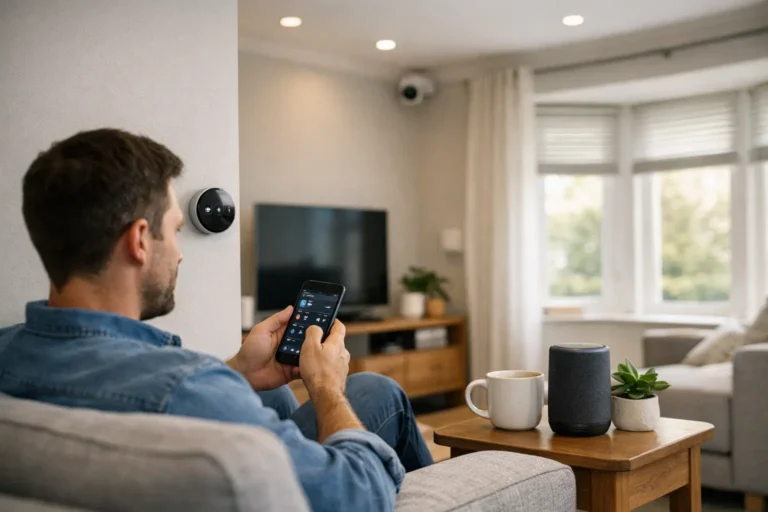
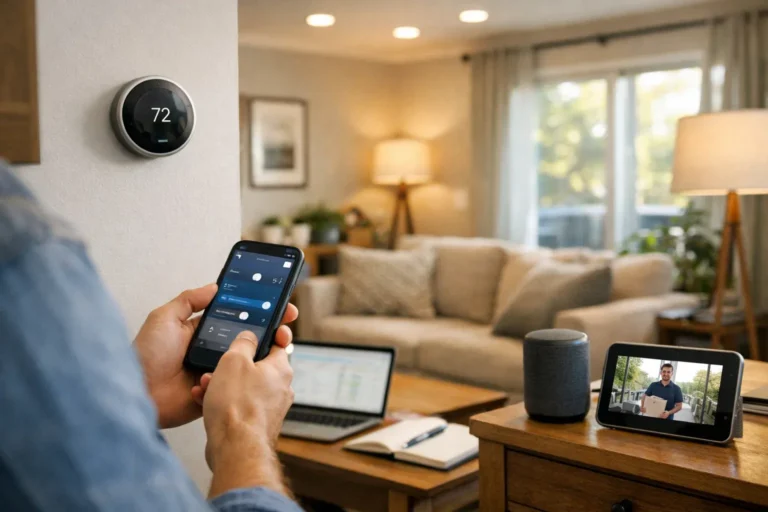
Jumping into the world of smart home automation can feel like a big step, but the rewards in convenience, security, and efficiency are well worth it. A smart home is essentially a network of connected devices that you can control remotely through an app or with your voice. These devices communicate with each other over your home’s network, using protocols like Wi-Fi, Zigbee, Z-Wave, and the increasingly important Matter protocol, which aims to make all devices work together seamlessly.
In 2026, voice assistants like Amazon Alexa, Google Home, and Apple HomeKit are the conductors of this orchestra, making it easier than ever to manage everything from your lights to your locks. The growth of smart homes in the USA has been explosive because the technology is no longer just for tech enthusiasts; it’s for anyone looking to simplify their daily life. This guide is for beginners, homeowners, and even renters who want to understand how to plan and execute a successful smart home automation systems installation, from picking the right gear to securing your network.
Types of Smart Home Automation Systems (DIY vs Professional)
Before you buy a single device, your first big decision is whether to go the Do-It-Yourself (DIY) route or hire a professional. Each path has distinct advantages, and the right choice depends on your budget, technical comfort, and long-term goals.
- DIY Systems: Brands like Ring, Wyze, and SmartThings have made it easy for anyone to get started. You buy the devices individually and set them up yourself. This route is more affordable and offers great flexibility, but it requires you to do the research and troubleshoot any issues that arise.
- Professional Systems: Companies like Control4 or ADT offer a white-glove service. A professional will design and install a fully integrated system tailored to your home. This option is significantly more expensive but provides a seamless, robust, and reliable experience with ongoing support. It’s best for large homes or those who want a powerful, hands-off solution.
For most people starting out, a DIY approach is the most practical way to learn and build a system that grows with you. Professionals are better suited for new constructions or major renovations where wiring can be integrated from the start.
Planning Before Installation – What Most Homeowners Miss
Great smart homes are built on great planning. Rushing into purchases without a clear strategy is the most common mistake I see homeowners make. A little prep work saves a lot of headaches later.
Here is a simple planning checklist to follow:
- Define Your Goals: What do you want to achieve? Is it enhanced security with cameras and locks, energy savings with a smart thermostat, or pure convenience with voice-controlled lighting? Start with one or two primary goals.
- Assess Your Internet: Your Wi-Fi network is the backbone of your smart home. Run a speed test. Do you have dead zones? A modern router is non-negotiable, and a mesh system might be necessary for larger homes.
- Research Compatibility: Not all devices play nicely together. Decide on an ecosystem (Alexa, Google Home, Apple HomeKit) and look for devices that are compatible with it. The “Works with Matter” logo is your best friend here, as it ensures future interoperability.
- Plan Your Power: Smart devices need power. Do you have outlets where you need them? Some devices, like video doorbells, may require existing wiring or professional installation.
- Map Your Home: Go room by room and decide which devices will go where. A simple sketch can help you visualize the final setup and identify potential issues.
- Set Your Budget: Smart home costs can add up quickly. Set a realistic budget for your initial setup and factor in potential subscription fees for services like cloud video storage.
For example, for a 3-bedroom home focused on security, a plan might include a video doorbell, two outdoor cameras, smart locks on the front and back doors, and a few contact sensors for windows.
Core Components of a Smart Home System
While you can start with a single smart plug, a true automation system is built from several core components that work in harmony.
- Smart Hub or Controller: This is the brain of your system. While some devices connect directly to Wi-Fi, a hub (like those from SmartThings or Hubitat) can communicate with Zigbee and Z-Wave devices, creating a more reliable local network that doesn’t clog your Wi-Fi. Many smart speakers, like the Amazon Echo, now have a hub built-in.
- Smart Lighting: This includes smart bulbs, switches, and dimmers. It’s often the easiest and most impactful place to start.
- Smart Thermostats: Devices like the Google Nest Thermostat learn your habits and can significantly reduce your energy bills.
- Smart Security: This category includes smart locks, video doorbells, and indoor/outdoor cameras that let you monitor your home from anywhere.
- Sensors: Motion and contact sensors are the unsung heroes. They trigger automations—turning on a light when you enter a room or sending you an alert if a window is opened.
- Smart Plugs: These simple devices can make almost any corded appliance “smart,” from a lamp to a coffee maker.
Remember, choosing devices that belong to the same ecosystem (e.g., all “Works with Alexa”) ensures a smoother experience and more powerful automation possibilities.
Step-by-Step Smart Home Installation Process
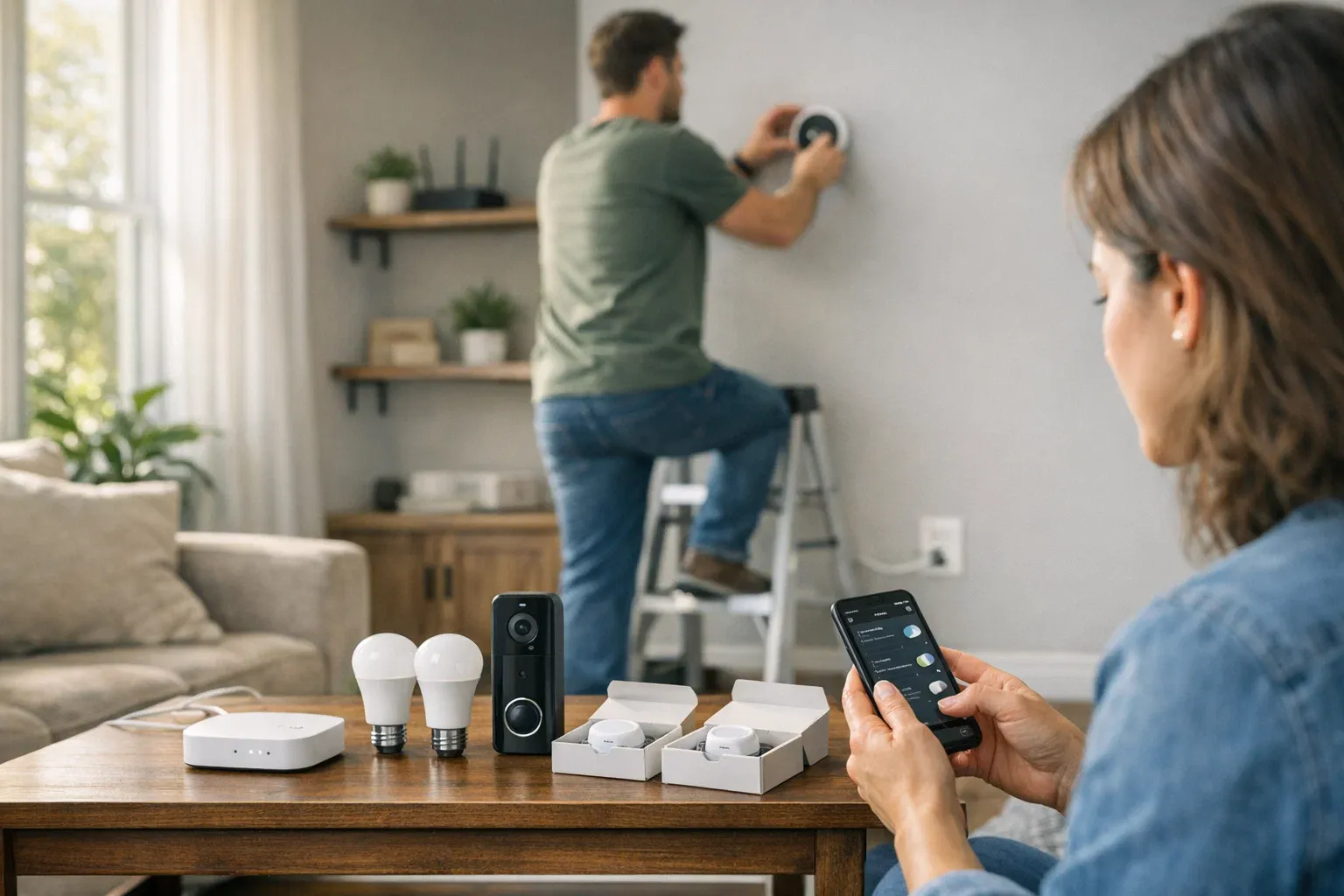
Once you have your plan and your gear, the installation process can begin. Follow these steps for a structured and successful setup.
- Install Your Central Hub: If you’re using a dedicated hub or smart speaker, set this up first. Place it in a central location in your home for the best signal coverage.
- Connect and Secure Your Network: Connect the hub to your router and follow the app’s instructions. This is also the time to change the default admin password on your router and hub to something strong and unique.
- Add Devices One by One: Start with the device closest to your hub. Follow the manufacturer’s instructions, which usually involve plugging it in, opening the app, and scanning a QR code. Label each device clearly in the app (e.g., “Living Room Lamp” instead of “Smart Plug 1”).
- Create Automation Routines: Once a few devices are connected, start building simple routines. For example, create a “Good Night” routine that turns off all the lights and locks the front door with a single voice command.
- Test Everything: Trigger your automations to make sure they work as expected. Walk through a room to test a motion sensor. Lock and unlock your door from the app.
- Back Up Your Settings: Some platforms allow you to back up your configuration. It’s a lifesaver if you ever need to replace your hub.
Safety Tip: When installing devices that connect to your home’s wiring, like smart switches, always turn off the power at the circuit breaker first. If you are not 100% confident, hire an electrician.
Network Optimization & Smart Home Connectivity Setup
A smart home is only as smart as its network. Competitors often gloss over this, but a poorly planned Wi-Fi setup is the number one cause of smart home frustration.
- Router Placement is Key: Don’t hide your router in a closet in the corner of your basement. Place it in a central, elevated location to maximize coverage.
- Use a Mesh System: For homes larger than 1,500 sq. ft. or with multiple floors, a single router won’t cut it. A mesh Wi-Fi system uses multiple nodes to blanket your entire home in a strong, consistent signal.
- Know Your Bands (2.4 GHz vs 5 GHz): Many smart devices, especially cheaper ones, only work on the 2.4 GHz band. This band has a longer range but is slower and more prone to interference. Reserve the faster 5 GHz band for high-bandwidth devices like your laptop and TV.
- Plan for Bandwidth: While a single smart plug uses very little data, a dozen security cameras streaming in HD can strain your network. Ensure your internet plan can handle the load. For a fully automated home, a plan with at least 200 Mbps download and 10 Mbps upload is a good starting point.
In a large home with weak signal in the backyard for a camera, a mesh node placed near the back wall or an outdoor-rated Wi-Fi extender would be the perfect solution.
Smart Home Security & Cybersecurity Best Practices
Connecting your home to the internet introduces new security risks. Protecting your smart home from hackers is not optional; it’s a critical part of the installation process.
- Use Strong, Unique Passwords: This is your first line of defense. Never reuse passwords across different services, and use a password manager to keep track of them.
- Enable Two-Factor Authentication (2FA): 2FA requires a second form of verification (like a code sent to your phone) to log in. Enable it on every smart home app that offers it.
- Create a Guest Network: Most modern routers allow you to create a separate guest Wi-Fi network. Put all of your smart home devices on this network. This way, if one device is compromised, the hacker can’t access your primary network where your personal computer and files are stored.
- Keep Firmware Updated: Manufacturers release firmware updates to patch security vulnerabilities. Set your devices to update automatically or check for updates manually every month.
- Avoid Unverified Brands: That cheap, no-name camera on Amazon might be tempting, but it could have major security flaws. Stick with reputable brands that have a track record of supporting their products.
Creating Smart Automation Routines That Actually Save Time
The real magic of a smart home isn’t just turning on a light with your voice; it’s having devices work together to simplify your life. Here are a few practical examples of routines you can create:
- “Good Morning” Routine: At your usual wake-up time, have the lights in your bedroom slowly fade on, the thermostat adjust to a comfortable temperature, and the smart plug for your coffee maker turn on.
- “Away” Mode: When you leave the house (triggered by your phone’s location), a routine can automatically lock the doors, arm the security cameras, turn off all the lights, and set the thermostat to an energy-saving temperature.
- Energy-Saving Nighttime Routine: At 10 PM, have all lights except for the nightstand lamp turn off, the TV shut down, and the thermostat lower by a few degrees.
- Motion-Triggered Lighting: Place motion sensors in hallways or bathrooms to automatically turn on the lights to a dim level when you walk by at night, and then turn them off after a few minutes of inactivity.
Cost Breakdown of Smart Home Installation in the USA (2026)
The cost of a smart home can vary dramatically based on your goals and home size.
- Entry-Level Setup ($300–$800): This typically includes a smart speaker, a few smart bulbs, some smart plugs, and maybe a video doorbell. It’s perfect for dipping your toes in the water.
- Mid-Range System ($1,000–$3,000): This could cover most of a medium-sized home with comprehensive lighting, a smart thermostat, smart locks, and a basic security camera system.
- Full-Home Automation ($5,000+): For a completely integrated system with smart switches in every room, multi-zone audio, motorized shades, and advanced security, costs can easily climb into the tens of thousands, especially with professional installation.
Remember to factor in professional labor costs (around $85-$150/hour) if you’re not doing it yourself, and potential monthly subscriptions for services like video cloud storage ($3-$10 per camera).
Pros and Cons of Smart Home Automation Systems
Pros:
- Convenience: Control your entire home with your voice or from an app anywhere in the world.
- Security: Enhanced monitoring with cameras, sensors, and smart locks provides peace of mind.
- Energy Efficiency: Smart thermostats and lighting can significantly reduce your utility bills, providing a real ROI.
- Remote Monitoring: Check in on pets, receive package delivery notifications, and ensure your doors are locked while you’re away.
Cons:
- Initial Cost: The upfront investment can be substantial.
- Privacy Risks: Smart devices collect data. It’s important to understand and manage your privacy settings.
- WiFi Dependence: If your internet goes down, your smart home’s functionality can be severely limited.
- Compatibility Issues: Despite the Matter protocol, ensuring all devices work together can still be a challenge.
Common Installation Mistakes to Avoid
- Ignoring Network Strength: Placing devices in Wi-Fi dead zones will lead to constant frustration. Plan your network first.
- Mixing Incompatible Ecosystems: Buying a Google Nest device, an Amazon camera, and an Apple HomeKit lock without a plan will result in a disjointed system controlled by three different apps.
- Over-Automating Too Early: Don’t try to automate everything at once. Start with simple routines and build complexity as you get more comfortable.
- Skipping Firmware Updates: This leaves your home vulnerable to security threats. Set devices to auto-update.
- Poor Device Placement: A motion sensor pointed at a sunny window or a camera aimed at a blank wall won’t be very effective. Think about what you want the device to “see.”
Smart Home Systems Comparison (Popular Platforms in 2026)
- Amazon Alexa: Has the widest range of compatible devices and skills. It’s incredibly flexible but can feel less polished than its competitors. Best for tinkerers and those who want the most choice.
- Google Nest: Offers a more curated and seamless experience, especially if you’re already invested in the Android ecosystem. Its devices are well-designed, but it has fewer third-party integrations than Alexa.
- Apple HomeKit: The most secure and privacy-focused platform. It has the strictest certification process, so there are fewer compatible devices, but the ones that are supported work flawlessly. Best for Apple users who prioritize privacy.
- Matter-Enabled Devices: This isn’t an ecosystem but a new universal standard. A device with the Matter logo will work with Alexa, Google, and Apple simultaneously. In 2026, you should prioritize buying Matter-certified devices for future-proof compatibility.
Conclusion – Is Smart Home Automation Worth It in 2026?
Absolutely. The technology has matured to a point where the benefits of convenience, security, and energy savings are tangible for the average homeowner. The key to a successful smart home automation systems installation is not to buy the most expensive gear, but to have a clear plan. Understand your goals, prioritize your network, and choose an ecosystem that fits your lifestyle.
The best approach is to start small and scale over time. Begin with a single room or a single goal, like security. As you learn what works for you, you can gradually add more devices and create more complex automations. In 2026, a smart home is no longer a futuristic luxury; it’s a practical and achievable upgrade that can genuinely improve your daily life. The long-term ROI, both in energy savings and peace of mind, makes it a worthwhile investment.
Frequently Asked Questions (FAQ)
How difficult is smart home automation installation for beginners?
For DIY systems, the installation is quite easy. Most devices are designed to be plug-and-play, with user-friendly apps that guide you through a setup process that often takes just a few minutes per device.
Do I need a smart hub for all devices?
No. Many modern devices connect directly to your Wi-Fi network and are controlled via their own app or a voice assistant. However, a hub is recommended for larger systems as it can create a more robust and responsive network for devices that use Zigbee or Z-Wave.
How much does smart home installation cost in the USA?
A basic starter kit can cost as little as $300, while a mid-range system for an average home typically falls between $1,000 and $3,000. A full professional installation for a large home can cost $5,000 or more.
Is smart home automation secure from hackers?
It can be, if you follow best practices. Using strong unique passwords, enabling two-factor authentication, keeping firmware updated, and using a guest network for your devices are critical steps to securing your smart home.
Can renters install smart home systems?
Yes! Many smart home devices are perfect for renters because they don’t require any permanent modifications. Smart bulbs, smart plugs, and countertop smart speakers are all renter-friendly. Some smart locks are even designed to be easily installed and removed.
What internet speed is required for smart home devices?
While individual devices use little bandwidth, a home with multiple security cameras streaming HD video will need more. A good starting point for a comprehensive smart home is a plan with at least 200 Mbps download and 10-20 Mbps upload speed.
Are smart home systems worth it long term?
Yes. The long-term value comes from energy savings (from smart thermostats and lighting), enhanced security that can potentially lower insurance premiums, and the significant improvement in daily convenience and quality of life.
About the Author